Langoola
AI vocabulary builder from photos, topics, and talk
Langoola’s AI vocabulary builder grows words you can actually use: snap a photo, pick a topic, or save terms from a Conversation. AI generates packs matched to your difficulty level, then flashcards lock them in before your next speaking session.


Ways to build your word bank
- From a photo — camera or library; AI turns a menu, sign, or notes into a word pack
- From a topic — ready-made themes or your own topic; AI fills words for that scene
- Matched to difficulty — generation follows your level so packs stay usable, not random
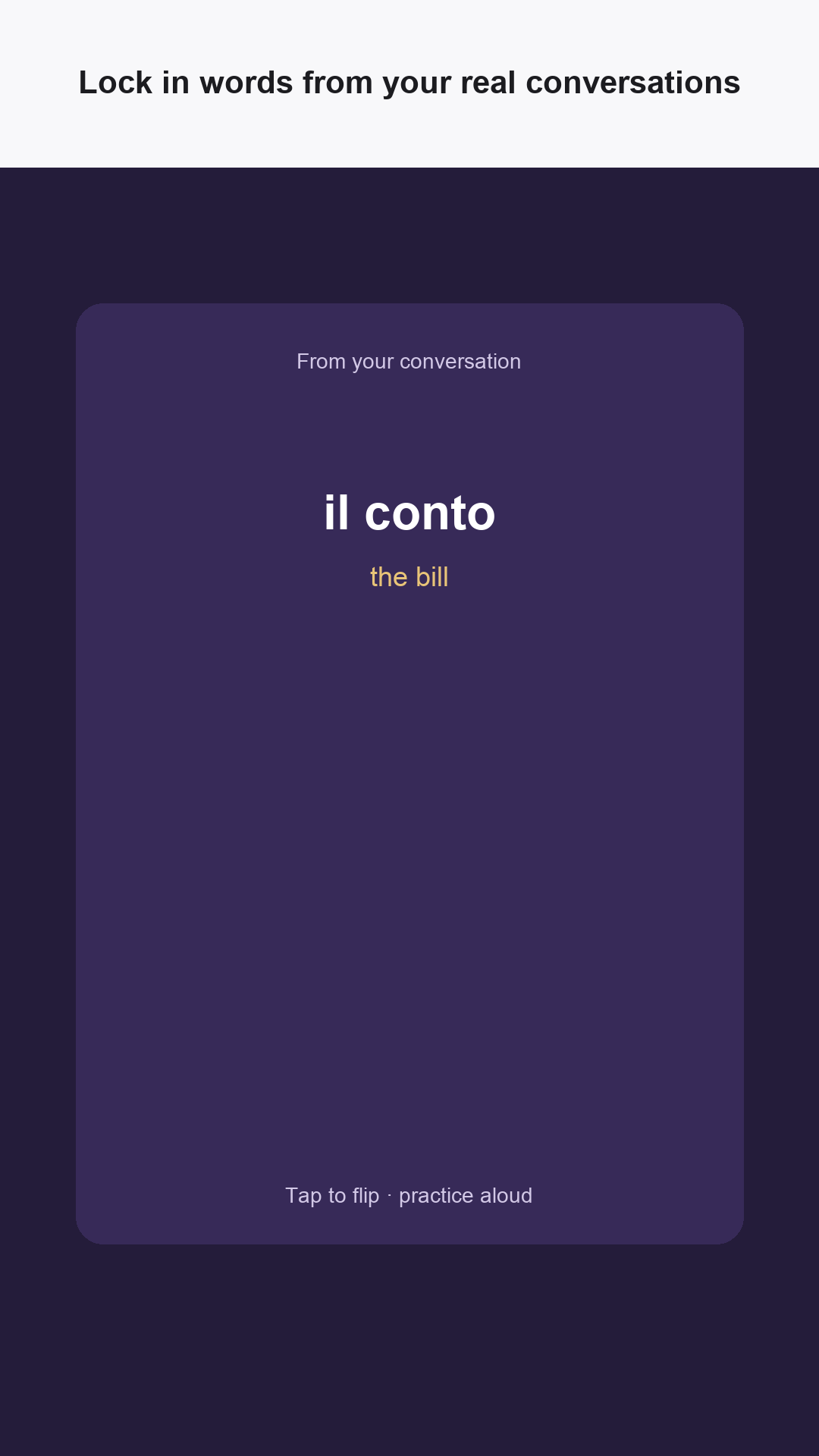
- From Conversations — save words you met in Live or chat, then review them later
Who it helps
- Travelers who want restaurant and street vocabulary from a real photo
- Learners who prefer topic packs over endless empty lists
- Anyone who forgets words right after a lesson and needs flashcard review
- People who want difficulty-aware AI packs instead of one-size-fits-all decks
How vocabulary works
Lango, the Vocabulary Builder Friend, focuses practice on the words that unlock real conversations. Pair review with speaking so new items leave the deck for good.
-
Choose a source: photo, topic, Conversation, or add a word yourself.
-
Let AI generate a pack at your difficulty level—or save words you already used.
-
Review with flashcard swipes when you have a few minutes.
-
Reuse those words in Live or chat so they stick in speech, not only recognition.
Connected features
Common Questions
Can I build vocabulary from a photo?
Yes. Take a photo or choose one from your library. Langoola generates a word pack from what is in the image—menus, signs, notes, and similar scenes.
How do topic packs and difficulty work?
Pick a ready-made topic or create your own. AI generates vocabulary for that theme at your difficulty level so the pack matches where you are, not a generic list.
Are these just flashcards?
Flashcards are the review surface. Words come from photos, topics, Conversations, and manual adds—so the deck reflects what you are trying to say.
Is Langoola free to start?
Yes. You can start free with daily Live practice minutes and conversation practice in the app. Subscribe in-app when you want more speaking time each week.
Keep Exploring
Download Langoola
Jump into a scene — practice speaking with AI before you need it for real.